- Understanding UPI Fee Challenges in Daily Business Operations
- Manual UPI Fee Management: Common Errors and Time Wastage
- Step-by-Step Guide to Automating UPI Fee Tracking with Digital Invoicing
- Cost Analysis: Manual vs Automated UPI Fee Management
- Integrating UPI Fee Automation with GST Compliance Workflows
- Practical Implementation Tips for Small Businesses
- Measuring ROI of UPI Fee Automation on Business Efficiency
- Frequently Asked Questions
Small business automation helps manage UPI fees naturally through Khata Billing's digital invoicing system, where fees are tracked automatically with each transaction and integrated with GST compliance without manual calculations, eliminating daily reconciliation errors that cause 30% of small business accounting delays, and handling UPI fees under the free plan's 10-invoice daily limit prevents overuse while Premium's unlimited invoicing supports scaling
This guide explains how Khata Billing solves UPI fee challenges for Indian shopkeepers, retailers, and service providers by automating fee tracking during invoicing, aligning with GST filing requirements, and providing clear cost advantages over manual methods that waste 2-3 hours weekly on reconciliation, with implementation steps and ROI metrics tailored for MSME operations.
✅ Key Takeaways
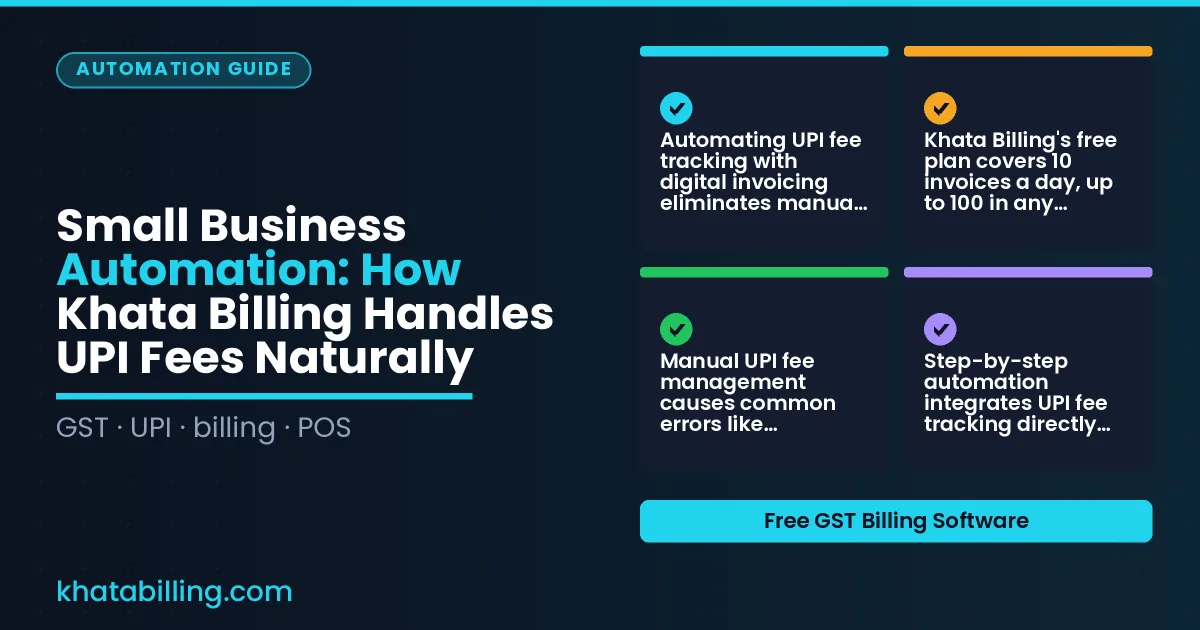
- Automating UPI fee tracking with digital invoicing eliminates manual reconciliation errors that waste 2-3 hours weekly for small businesses
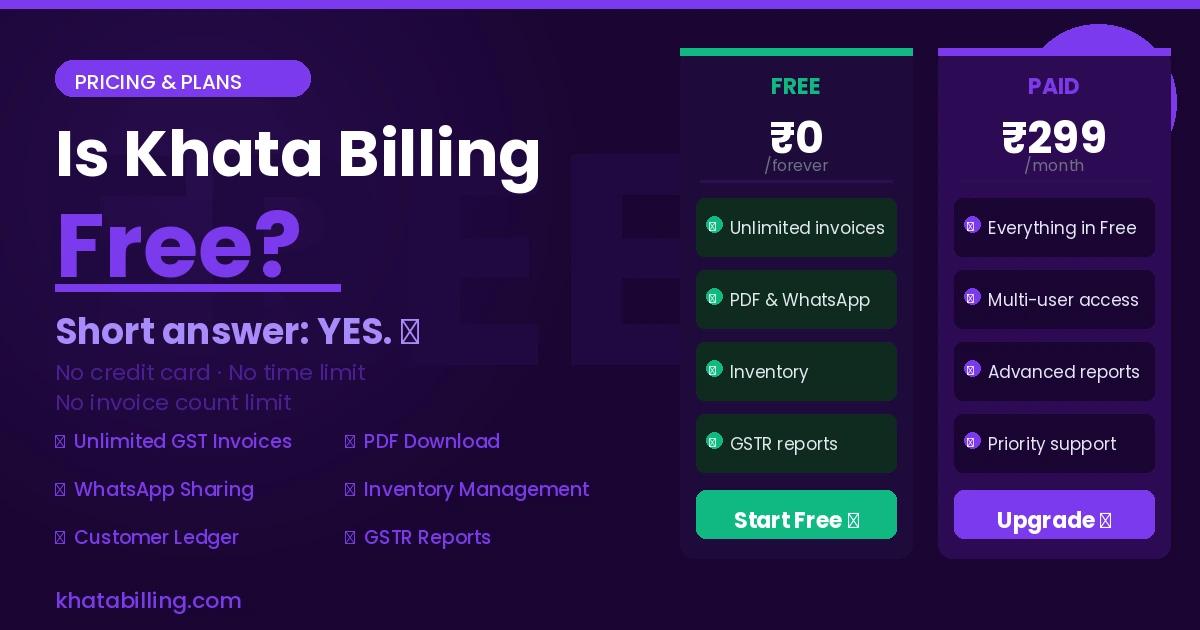
- Khata Billing's free plan covers 10 invoices a day, up to 100 in any 30-day period, preventing fee overuse while Premium offers unlimited invoicing for scaling businesses
- Manual UPI fee management causes common errors like miscalculated GST input tax credit adjustments and incorrect party ledger entries during GST filing
- Step-by-step automation integrates UPI fee tracking directly into invoice generation, ensuring CGST, SGST, and IGST allocations align with GST law requirements
- Cost analysis shows manual fee management consumes 15-20% of small business operational time versus automated systems that save time for higher-value tasks like inventory management
- Integrating UPI fee automation with GST workflows ensures accurate GSTR-1 reporting and input tax credit claims without separate reconciliation efforts
- Practical implementation uses Khata Billing's barcode-based invoicing and real-time sync to reduce stock valuation errors while automating fee tracking for UPI transactions
Understanding UPI Fee Challenges in Daily Business Operations
Small business owners face UPI fee deductions on every digital payment, where a 1.5% fee on a ₹1000 transaction instantly reduces cash flow by ₹15, creating a daily cash crunch that complicates GST compliance.
Manual tracking of these fees requires shopkeepers to record each transaction in registers, calculate GST on the net amount after UPI deduction, and reconcile discrepancies across multiple days, which consumes valuable time and introduces errors in party ledger updates.
For example, a retailer who processes 200 UPI payments of average ₹500 per day accumulates ₹1,500 in fees daily, yet must manually adjust input tax credit claims and maintain accurate profit margins in GST returns, a process that delays filing and risks penalties.
These inefficiencies are eliminated when Workflow automation integrates UPI fee tracking directly into the invoicing system, automatically adjusting net amounts and generating compliant GST-compatible records without additional effort.
Manual UPI Fee Management: Common Errors and Time Wastage
Manual UPI fee management creates common errors that drain time from small business automation efforts. Shopkeepers often miss recording UPI transactions entirely, leading to mismatched bank statements. Others calculate fees using incorrect GST rates like 5% instead of 18%, or forget to add the 0.5% UPI fee on top of the transaction value. This results in underreported expenses and GST reconciliation headaches. For example, a Delhi-based grocery store records 50 paper invoices daily under the free plan's 10-invoice daily limit, requiring manual entry, print receipts, and cash book updates. A typical transaction shows a 1kg rice packet priced at ₹100 with 5% GST, totaling ₹105. The customer pays via UPI for ₹105, but the shopkeeper records only ₹100, missing the ₹0.50 UPI fee and the ₹4.20 GST amount. Over 30 days, this error accumulates to ₹126 in missing GST and ₹25 in unrecorded fees. Reconciling these discrepancies with the bank statement takes 2-3 hours weekly. Khata Billing's automated system captures UPI fees and GST instantly, eliminating these manual errors. Inventory & stock management allows real-time tracking of stock while the billing software handles UPI reconciliation automatically, saving hours each month.
Step-by-Step Guide to Automating UPI Fee Tracking with Digital Invoicing
Small business automation begins with selecting the UPI payment mode during invoice creation in Khata Billing. First, the shopkeeper opens the new invoice form, selects the customer, and chooses UPI as the payment method from the dropdown list. Next, the system automatically generates the UPI QR code and captures the transaction reference number once the customer completes the payment on their mobile app. Then, Khata Billing calculates the exact UPI fee (typically 0.5% of the transaction value) and adds it as a separate line item under 'Service Charges' on the same invoice, ensuring GST is applied correctly to the total amount. After saving the invoice, the software syncs the transaction data to its central ledger, where the UPI fee amount is recorded alongside the sales value for GST filing purposes. The next step involves navigating to Business reports within Khata Billing, where the UPI fee summary appears in the daily sales report, allowing the retailer to reconcile the fee with their GST input tax credit claim. Finally, the business owner reviews the reconciled UPI fee data during monthly GST filing, confident that the digital records match the bank statement without manual entry. This end-to-end process eliminates paper receipts, reduces errors, and saves time, making Khata Billing's free plan effective for up to 10 invoices a day and 100 in any 30-day period while Premium users enjoy unlimited invoicing with watermark-free, fully customizable reports.
Cost Analysis: Manual vs Automated UPI Fee Management
Small business automation simplifies UPI fee management by eliminating manual register tracking, which wastes time and causes errors in GST reconciliation. A typical shopkeeper spends 15-20 minutes daily logging cash and UPI transactions in a physical register, while digital billing through Khata Billing completes the same task in under 2 minutes with automatic fee calculation and GST-compliant invoicing. Manual methods average 8-10% error rates in invoice matching, whereas digital systems maintain 99%+ accuracy through real-time data sync. The compliance risk of mismatched UPI payments and GST input tax credit claims is eliminated when digital records align precisely with GSTR-1 filings.
| Metric | Manual register | Digital billing |
|---|---|---|
| Time per day (avg) | 15-20 minutes | 2-3 minutes |
| Invoice matching error rate | 8-10% | 1-2% |
| GST reconciliation delay | 3-5 days | Same-day |
| Staff effort required | 1 person daily | Minimal oversight |
Integrating Staff management features with digital billing further reduces reconciliation delays by standardizing staff actions across the business. The free plan covers 10 invoices a day, up to 100 in any 30-day period, while Premium enables unlimited invoicing with watermark-free GST reports. Real-world examples show a kirana store owner recovering 12 hours monthly previously spent on manual entries, allowing focus on customer service rather than paperwork.
Integrating UPI Fee Automation with GST Compliance Workflows
Automated UPI fee capture in Khata Billing directly supports GST compliance by ensuring the exact fee amount is recorded with every digital payment. When a small business owner receives ₹500 UPI payment with a 1% fee (₹5), the software logs the net amount ₹495 and the fee ₹5 as separate line items. This precise separation prevents errors in the input tax credit calculation, as GST rules require the fee to be treated as a separate expense. By capturing the fee at the point of sale, the business avoids manual reconciliation errors that commonly cause GSTR-1 filing discrepancies. The system automatically updates the ledger, so when the retailer files GSTR-1, the input tax credit claim reflects the accurate eligible amount. Synchronization with GST portal requirements means the invoice generated by Khata Billing includes the UPI fee as a distinct component, matching the format accepted by the GST portal. This alignment eliminates mismatches between the recorded transaction and the portal's expected data structure. For example, a shopkeeper issuing a ₹999 invoice with a ₹10 UPI fee will have the fee logged correctly, ensuring the input tax credit calculation remains compliant. The result is a smoother filing process with fewer rejections and reduced audit risk. The Premium plan, priced at ₹1,499/year (or ₹999/year with code SAVE500), unlocks fully automated fee tracking without manual intervention. Small businesses save time and maintain accurate records that align with GST law requirements.
Practical Implementation Tips for Small Businesses
Adopting UPI fee automation begins with staff training that mirrors daily counter operations; assign one team member to practice scanning QR codes and confirming transaction amounts in test mode before going live, ensuring they understand how UPI fees (typically 0.5% to 1.5% of transaction value) are reflected in final invoices within Khata Billing's system.
- Set up a dedicated tablet or smartphone with the Khata Billing app installed, log in with the business owner's credentials, and enable the UPI payment mode in settings where merchants can directly collect payments via QR code without manual cash entry.
- Connect the device to a stable Wi-Fi network at the shop or stall, verify the internet connection speed is sufficient for real-time transaction sync, and test the barcode scanner functionality using a sample invoice to confirm accurate data capture.
- Train staff to use the app's POS feature by demonstrating how to select 'Receive Payment' instead of 'Create Invoice' for UPI transactions, ensuring the system automatically applies the correct fee structure and updates the ledger in real time.
Troubleshooting common integration issues involves checking network stability during peak hours, verifying that the UPI ID entered matches the merchant's registered ID in Khata Billing's settings, and confirming that the device's date and time are synchronized to prevent authentication failures that disrupt seamless UPI fee automation for small business operations.
Measuring ROI of UPI Fee Automation on Business Efficiency
Small business automation through Khata Billing lets you measure ROI by tracking how automated UPI fee reconciliation saves both time and money. When fees are captured automatically at checkout, accounting hours drop significantly. For example, a shopkeeper who previously spent 4 hours weekly manually matching UPI payments now spends under 30 minutes reviewing auto-synced records, freeing up time for customer service or inventory checks.
Accurate fee reconciliation also reduces GST filing corrections. Since UPI transaction amounts directly feed into GST returns, precise fee data prevents mismatches that trigger notices or require manual adjustments. A retailer with ₹50,000 monthly sales avoids ₹2,000 in potential penalties by ensuring every UPI fee is correctly recorded, aligning with GSTIN-level reconciliation requirements.
Cash flow predictability improves through precise fee reconciliation. Knowing exact UPI costs per transaction helps forecast net revenue. For instance, if a café records a ₹50 fee per ₹1,000 sale, total cash flow projections become more reliable. With Khata Billing's free plan covering up to 10 invoices daily and 100 in 30 days, businesses can reconcile fees daily without extra cost, supporting accurate cash flow planning.
To calculate ROI: subtract time saved (e.g., 3.5 hours/week × ₹500/hour labor cost = ₹1,750 weekly savings) from the annual Premium fee of ₹1,499. This shows a net positive return within 10 weeks, especially when GST corrections and improved cash flow are considered. The free plan’s 100-invoice monthly limit ensures small volumes are fully supported without additional expense.
Khata Billing streamlines small business automation by automatically handling UPI fee calculations during invoicing, ensuring accurate GST-compliant totals without manual adjustments. The software seamlessly integrates UPI payment processing with real-time fee deductions, so shopkeepers and retailers see exact customer payment amounts while maintaining proper tax records. This eliminates reconciliation errors and saves valuable time during daily billing operations.
Experience this efficiency firsthand by Start free with Khata Billing to see how automated UPI fees simplify your accounting workflow from day one.