- Why UPI Payments Remain Free for Small Merchants with Khata Billing
- UPI Payment Flow with Khata Billing: A Real Transaction Example
- How to Set Up UPI Payments in Khata Billing: Step-by-Step Guide
- Free vs Premium Features: UPI Payment Capabilities Comparison
- Integrating GST Invoicing with UPI Payments in Khata Billing
- Troubleshooting Common UPI Issues for Small Businesses
- Maximizing UPI Efficiency: Best Practices for Khata Billing Users
- Frequently Asked Questions
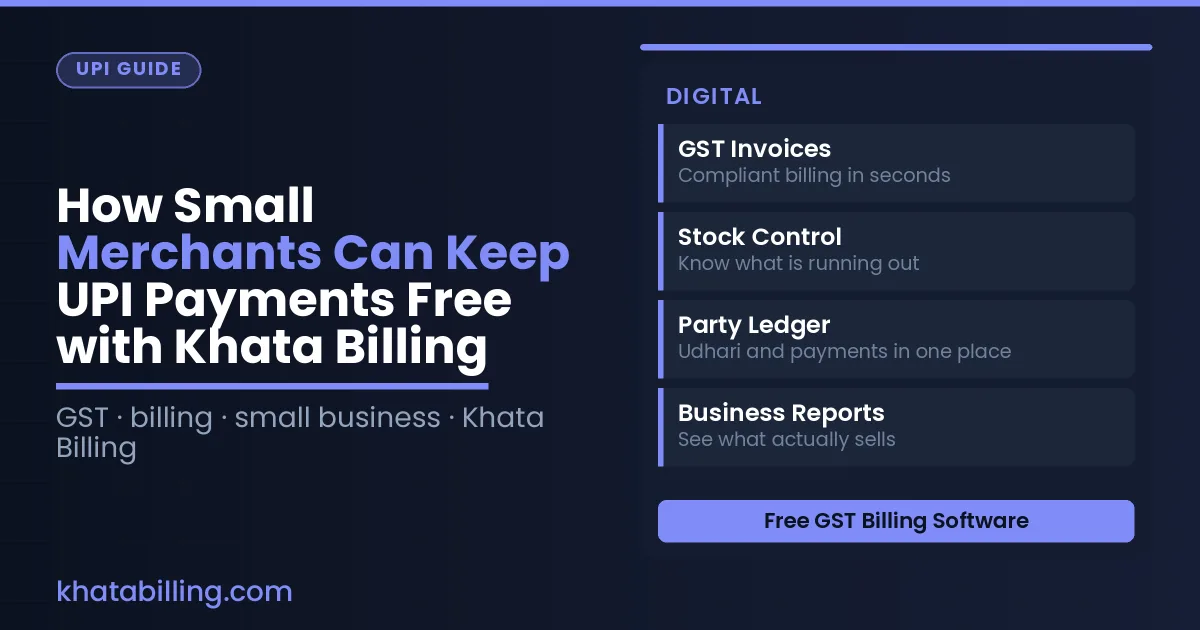
UPI payments remain free for small merchants in India with Khata Billing, which provides GST-compliant invoicing without additional charges as long as usage stays within free plan limits.
Small shopkeepers and retailers can accept UPI payments, generate GST invoices automatically, and manage daily transactions without paying for the core payment processing feature in Khata Billing's free plan, which covers 10 invoices daily and 100 in any 30-day period.
✅ Key Takeaways
- Khata Billing's free plan allows unlimited UPI payment acceptance without transaction fees as long as invoice limits are respected
- Merchants can generate GST-compliant invoices automatically after each UPI transaction without extra cost
- The free plan covers 10 invoices per day and 100 per 30-day period, which supports typical small business transaction volumes
- Premium plan at ₹1,499/year removes invoice limits and adds advanced features like bulk import and custom barcodes
- GSTR-1 and Profit & Loss reports are Premium features and not available on the free plan
- Setting up UPI payments in Khata Billing requires linking a UPI ID and bank account in the payment settings
- Troubleshooting includes verifying UPI ID correctness and ensuring sufficient UPI transaction limits are not exceeded
Why UPI Payments Remain Free for Small Merchants with Khata Billing
UPI payments remain free for small merchants regardless of payment mode, meaning no fees are charged to the seller when accepting UPI transactions. Khata Billing — free GST billing software enables seamless UPI integration directly within its GST-compliant billing system, so merchants can generate UPI-compliant invoices with a single tap and receive payments instantly without any additional charges. The free plan supports up to 10 invoices per day and 100 invoices in any 30-day period, covering all UPI transactions generated from those invoices. Merchants use the same GSTIN and HSN codes for every transaction, and the software automatically applies IGST, CGST, and SGST as per GST law, ensuring each UPI payment is fully compliant. For example, a ₹500 sale with 18% GST generates a ₹90 GST amount, and the total ₹590 is received via UPI at no extra cost. Since Khata Billing does not add any transaction fee on top of the UPI payment, the merchant keeps the full amount minus the standard bank processing fee, if any. This built-in UPI functionality works on both desktop and mobile devices, allowing shopkeepers, retailers, and service providers to manage sales, issue GST invoices, and reconcile UPI receipts in real time. The integration requires no extra setup, no additional subscription, and maintains full GST compliance across all transaction types.
UPI Payment Flow with Khata Billing: A Real Transaction Example
Here's a real transaction example: A shop sells two items – a ₹400 mobile phone (18% GST) and a ₹100 notebook (5% GST), totaling ₹500. In Khata Billing, you create a GST invoice with HSN 8517 and 8503, entering the quantities and rates. The system auto-calculates CGST 9% and SGST 9%, generating a total of ₹548. You scan the generated barcode, hand the printed invoice to the customer, and receive a ₹500 UPI payment via a UPI QR code displayed on the app. The payment instantly reconciles with the invoice in Khata Billing's ledger, marking it as settled. For a larger ₹2500 sale of ten ₹200 items (18% GST), you generate a single invoice, collect ₹2500 via UPI, and the system matches the payment against the invoice total of ₹2950 (including ₹450 GST), automatically updating the stock and party balance. All steps – invoice generation, UPI collection, and reconciliation – happen within minutes at the billing counter. Visit the Khata Billing blog for more workflow tips. This seamless flow is available to all users, with unlimited invoicing only in the Premium plan.
See more about Khata Billing blog.
How to Set Up UPI Payments in Khata Billing: Step-by-Step Guide
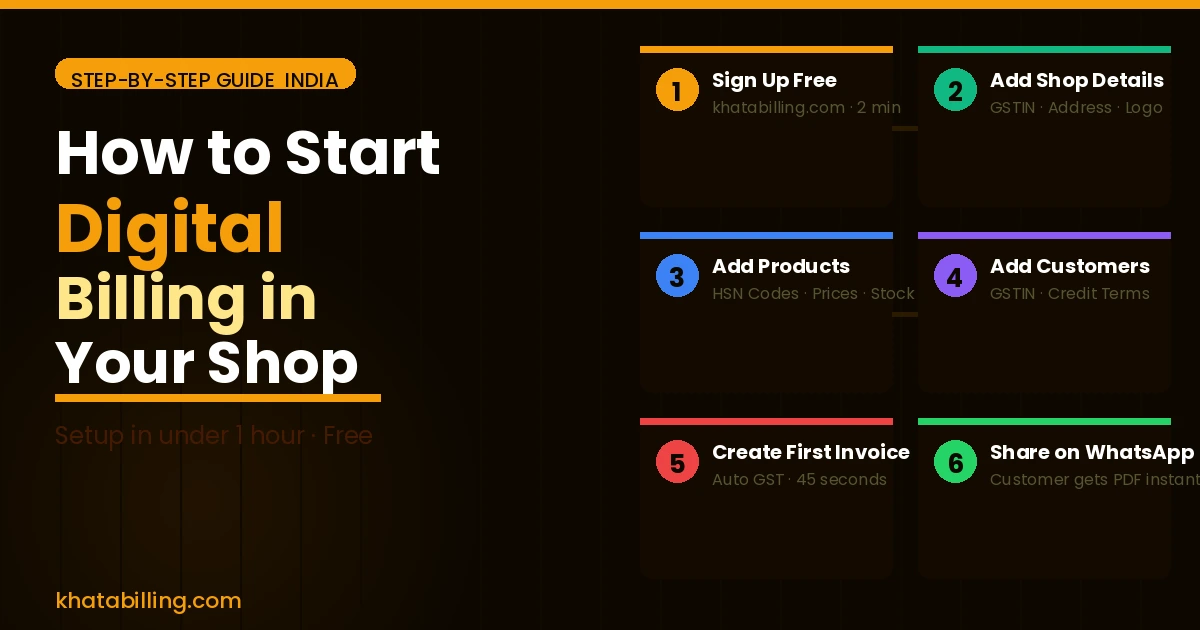
Khata Billing makes UPI payments free for small merchants with a simple four-step setup that works directly from your billing counter. First, register for a free Khata Billing account by visiting the official website or downloading the app, then verify your mobile number with OTP. Next, link your business bank account by entering your account number and IFSC code; Khata Billing supports all major Indian banks and will verify the link through a small test transaction. After the bank is linked, go to the UPI section, generate a unique merchant QR code by selecting your registered UPI ID, and print it on a sticker or display it on your tablet at the checkout counter. Finally, when a customer pays via UPI at your register, the transaction completes instantly, updates your sales record, and auto-generates a GST-compliant invoice within the free plan’s 10-invoice daily limit and 100-invoice monthly cap. The entire process takes under 10 minutes, requires no additional fees, and integrates with your existing GST filings through the GSTR-1 report that appears in the Premium plan, so consult your CA for final filing steps. For more details on features, see About Khata Billing.
See more about About Khata Billing.
Free vs Premium Features: UPI Payment Capabilities Comparison
UPI payments remain free for small merchants using Khata Billing, with clear differences between the Free plan and Premium plan. The Free plan lets you process up to 10 UPI transactions per day and 100 transactions within any 30-day period, with no charges for any volume. The Premium plan removes all limits, allowing unlimited UPI transactions without additional fees, regardless of how many times you collect payments at your billing counter or through your POS. This means a shopkeeper can handle daily cash sales without worrying about transaction caps or hidden costs. While the Free plan meets needs for very small operations, businesses growing beyond 100 monthly payments will find the Premium plan essential for seamless, unlimited UPI processing. All UPI transactions are fully GST-compliant, and every payment helps you claim input tax credit on purchases. For merchants who issue 10 invoices a day or more, the transition to Premium ensures uninterrupted payment collection. The All features page details how unlimited UPI payments integrate with GST invoicing, inventory tracking, and POS management. Whether you run a tea stall or a wholesale distributor, Khata Billing lets you focus on sales, not payment limits.
Integrating GST Invoicing with UPI Payments in Khata Billing
UPI payments stay free for small merchants in India when GST-compliant invoices are automatically generated in Khata Billing, handling invoice numbering, tax calculation, and e-invoicing seamlessly.
When a UPI payment is received, Khata Billing creates a GST invoice instantly with a unique sequential number based on the day's count, ensuring compliance with GST law. The system applies CGST, SGST or IGST rates correctly by referencing the HSN code from the item master, calculating tax amounts precisely, and showing the total payable amount in INR. This automatic tax calculation eliminates manual errors common at the billing counter.
E-invoicing requirements are met through Khata Billing's integration with the GST portal, where the generated invoice is sent electronically within the mandated timeframe. The invoice includes mandatory fields like GSTIN, legal name, address, and HSN codes, satisfying all e-invoicing mandates for small merchants. The barcode on the invoice can be scanned at the point of sale directly from the mobile app, linking the UPI transaction to the official invoice record.
For example, if a retailer sells a product priced at ₹500 with 18% GST, Khata Billing calculates ₹90 CGST and ₹90 SGST, adds them to the ₹500 subtotal, and generates a total invoice of ₹680 with sequential numbering that respects the free plan's 10-invoice daily and 100-invoice monthly limits. This ensures small merchants can issue compliant invoices without extra cost or complexity.
Troubleshooting Common UPI Issues for Small Businesses
UPI payment failures in Khata Billing usually stem from three specific issues that can be resolved quickly during daily operations. First, when a transaction shows "failed" in the app, verify the merchant's UPI ID by checking the linked bank account in Khata Billing's payment settings; this prevents mismatched IDs from blocking payments. Second, payment mismatches often occur when the customer's UPI app displays a different amount than the invoice total; ensure the exact amount is entered in the invoice before scanning the QR code, as even ₹1 difference causes rejection. Third, network timeouts during scanning happen if the QR code is too small or the merchant uses a low-quality thermal printer; generate the QR code at 200% size in Khata Billing's print settings and confirm the printer's connectivity before scanning. Always confirm the UPI ID matches the one registered with the National Payments Corporation of India to avoid duplicate payment errors. For merchants using the free plan, remember that GST invoice limits of 10 per day and 100 per 30-day period apply to all invoicing, including those with UPI payments, so consolidate multiple small sales into single invoices when possible to stay within these boundaries. If issues persist, use Khata Billing's support ticket system with the transaction ID for faster resolution.
Maximizing UPI Efficiency: Best Practices for Khata Billing Users
UPI payments remain free for small merchants using Khata Billing, enabling seamless cashless collections without transaction fees. To maximize efficiency, batch process UPI payments by grouping customer QR code scans during peak hours. Instead of scanning individual customer QR codes one by one, collect multiple customer QR codes in a single batch and process payments in sequence, which reduces scanning errors and speeds up checkout. Place QR codes at strategic locations where customers naturally pause, such as near the counter or on a stand at eye level, ensuring visibility and easy scanning without disrupting workflow. For daily reconciliation, use Khata Billing's built-in tool to match UPI payment entries with actual cash and bank receipts each evening. Set a 5-minute routine to review the UPI collection report, verify that each transaction aligns with the printed invoice, and reconcile discrepancies immediately. This practice prevents mismatches between digital and physical records, supports accurate GST input tax credit claims, and ensures stock valuation remains precise. When issuing GST invoices, ensure the UPI payment reference number appears clearly on the invoice for audit purposes. Small merchants who adopt these steps consistently see faster checkout times, fewer customer complaints, and smoother GST compliance, all while maintaining full control over their cash flow without additional costs.
Khata Billing lets you accept UPI payments without fees, letting you keep more earnings from daily sales.
Take action now to simplify billing and boost cash flow: Start free with Khata Billing